
Mines at 1Win
The Mines game at 1Win is a popular entertainment option on the platform, attracting players with its simple rules, fast rounds, and the ability to increase winnings through correct cell selection. To boost their initial balance, new users can activate a welcome bonus of 500% up to ₹45,000 and use it in the game, giving them more funds for placing bets.
About Mines at 1Win
Mines is a dynamic game where the user can select winning cells while trying to avoid mines and increase the multiplier. The format is extremely easy to understand, allowing beginners to learn quickly, and the high return-to-player rate makes the game attractive for strategic play. Below is a table with the main information about this game.
| Developer | 1Win Games |
| Year | 12.10.2023 |
| Welcome Bonus | 500% up to ₹45,000 |
| Minimum Bet | ₹10 |
| RTP | 97,5% |
| Demo | Yes |
Advantages and Disadvantages
Mines from the creators of 1Win Games have both advantages and disadvantages that may appear during gameplay. More details about them are described in the list below.
- Simple and clear rules that help beginners understand the game quickly;
- High RTP rate;
- Fast gaming sessions with potentially high winnings;
- Demo mode available;
- The welcome bonus can be used to increase the account balance.
- The game is based entirely on risk, and any wrong move leads to a loss;
- Due to high volatility, it can be difficult to achieve long-term consistent winnings.
Mines Game Review
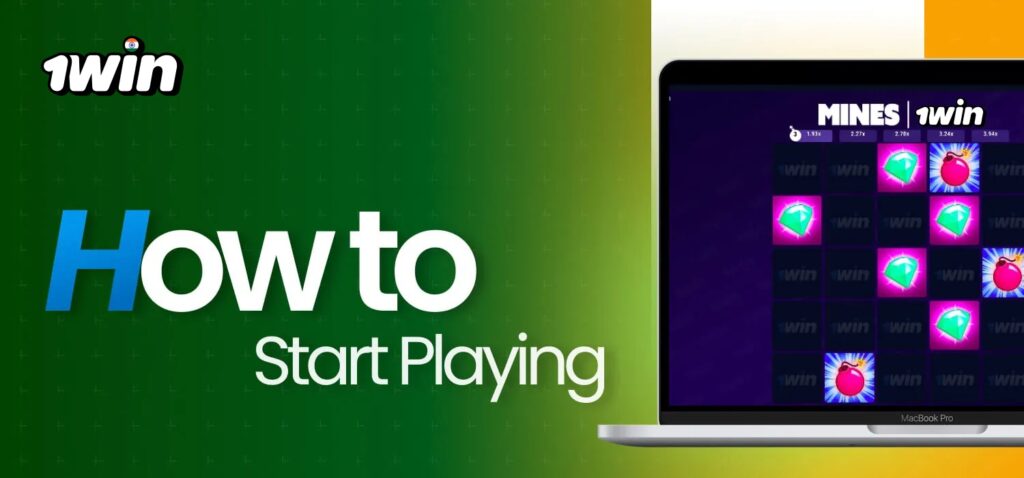
Mines is a simple game in terms of implementation, featuring a gambling mechanic where the main goal is to select safe cells on the field. After placing a bet, the user opens cells that increase the multiplier and potential winnings if chosen correctly. If the player does not cash out in time and hits a mined cell, the gaming session ends automatically, and the bet is lost.
The mechanics are similar to popular crash games such as Aviator, JetX, and Lucky Jet, where a player’s success depends on luck and the right strategy. In Mines, the most important aspect is building your own approach to the gameplay – whether more cautious or more risky. This type of entertainment suits both beginners and experienced players who want to make quick decisions to achieve large winnings.
How to Play Mines at 1Win
Starting to play 1Win Mines is quite simple. To quickly begin the gameplay, the user needs to complete the following steps:
Step 1
Go to the official 1Win website;
Step 2
On the top of the homepage, select the “Casino” section;
Step 3
In a separate tab, type “Mines” in the search bar;
Step 4
In the search results, choose the appropriate game option;
Step 5
Enter the bet amount in the corresponding field;
Step 6
Confirm the start of the game session using the “Play” button;
Step 7
You can stop at any moment and withdraw the amount with the current multiplier. To keep the winnings, it is important to cash out before hitting a mine.
Download the 1Win App to Play Mines
Punters can play 1Win Mines not only on a computer but also on mobile devices. At the moment, the company provides its own application for the Android operating system. For iPhone or iPad users, a PWA application is available, offering the same functionality as the desktop version.
To start playing on devices with the Android operating system, follow these steps:
- Go to the official 1Win website using any mobile browser;
- On the homepage, at the top, tap the “Download” section;
- Select the appropriate operating system and click the corresponding button to download the APK file;
- Open the file in the “Downloads” folder of your device;
- Follow all required steps and the installation process will begin automatically;
- Open the 1Win app and log in or create a new account if you are a new user;
- Open the game catalog in the “Casino” section and select Mines.
To start playing using the PWA app on iOS, complete the following steps:
- Open the official 1Win website using the Safari browser;
- At the top of the homepage, tap the “Download” section;
- In the new window, select the “iOS” category;
- Install the PWA app using the instructions provided;
- Then open the shortcut on your device’s home screen and log in or create an account;
- Open the game catalog and launch Mines to begin playing;
- Enter the bet amount in the corresponding field and start the game.
Welcome Bonus for Mines

The welcome bonus of 500% up to ₹45,000 is available to all new users after completing the registration process and making their first deposit. With these additional funds, the user can play Mines with an increased balance, making the first attempts less risky and slightly improving the chances of success. The bonus balance is credited automatically once the conditions are met and can be used across various gaming sections on the platform.
Demo Mode for Mines
To allow users to enjoy the Mines gameplay without financial risks, 1Win India provides a demo mode. In this format, the player can explore strategies and game mechanics with the help of a virtual balance that can be used an unlimited number of times. The demo mode is an ideal solution for beginners who want to understand the rules, as well as for experienced users who need to test a new approach before playing for real money.
FAQ
Can I play Mines without registration?
Yes, the company provides a demo mode that allows you to play Mines without creating an account or making a deposit. However, to start playing for real money, you must complete registration and fund your account.
What is the minimum bet in Mines?
At the moment, the minimum bet for the 1Win game is ₹10. The player can choose the base amount or set their own value within the available range.
What is the main objective of the Mines game on the 1Win India platform?
The main goal of the game is to open as many cells on the field as possible without hitting a mine. With each successfully opened cell, the player’s bet increases based on a multiplier set by the platform.
What bonus can I get for playing Mines?
New users receive a welcome package of 500% up to ₹45,000, which is awarded for the first four deposits on the site. To learn more about bonus conditions, open the “Promotions” section.


